


You leave the house with your phone fully charged.
A few hours later, you check the battery.
It’s already at 48%.
You pause for a second and think,
“How is that even possible? I barely used my phone today.”
Then you open your battery settings and notice something surprising.
One app has used 32% of your battery.
Another has used 18%.
Meanwhile, the app you spent the most time on barely made the list.
We’ve all been there.
Some apps seem to sip your battery gently, while others drain it like someone forgot to turn off a tap.
It’s easy to assume those apps are poorly built.
Sometimes they are.
But more often than not, there’s much more happening behind the scenes than we realize.
Your phone doesn’t just work when you’re looking at the screen.
In many ways, it never really stops working.
Your Apps Don’t Always Go to Sleep When You Do
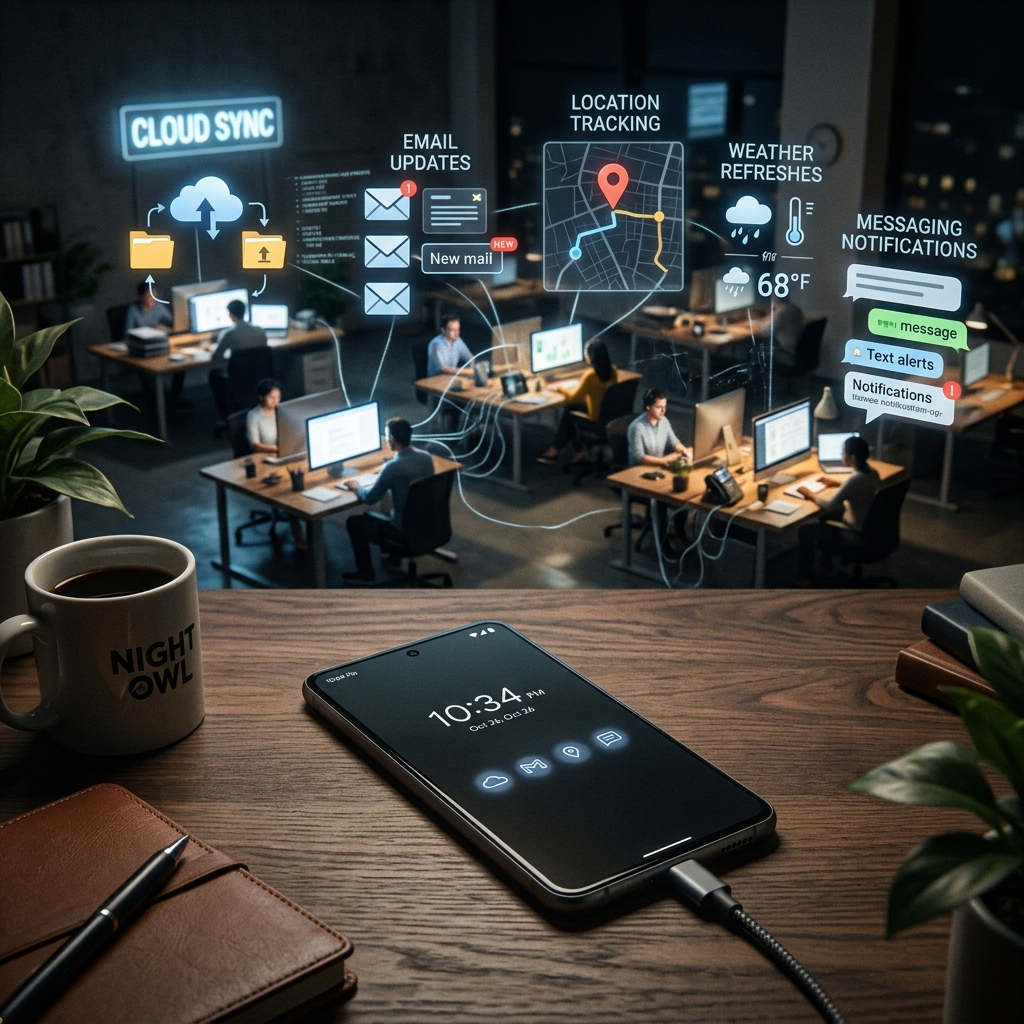
Imagine leaving your office at 5 p.m.
You lock the door and head home.
Now imagine some of your colleagues stay behind.
One is answering emails.
Another is organizing tomorrow’s schedule.
Someone else is cleaning up the workspace.
By the time you return the next morning, a lot has already happened.
Many apps behave in a similar way.
Closing an app doesn’t always mean it has stopped working.
Some continue syncing your photos to the cloud.
Others check for new messages.
Your email app looks for incoming mail.
Navigation apps update your location.
Fitness apps count your steps.
Weather apps refresh forecasts.
All of this can happen without you opening the app again.
Your phone is quietly working in the background so everything feels ready when you need it.
Location Services Are Hungrier Than You Think
Have you ever wondered why navigation apps appear near the top of your battery usage?
Think about what they have to do.
Every few seconds, they answer questions like:
“Where are you now?”
“Have you turned?”
“Is there traffic ahead?”
“Should we suggest a faster route?”
To do that, your phone constantly communicates with GPS satellites, mobile networks, and Wi-Fi signals.
It’s a little like asking someone to stand on a rooftop all day, watching every road in the city so they can guide you wherever you decide to go.
That level of awareness takes energy.
The more frequently an app checks your location, the more battery it usually consumes.
That’s why delivery apps, ride-hailing apps, fitness trackers, and map applications often appear among the biggest battery users.
Videos Demand More Than Text
Think about reading a text message.
Now compare that to watching a high-definition movie.
One asks your phone to display a few words.
The other requires it to process thousands of moving images every minute, play audio, adjust brightness, manage internet connections, and sometimes even stream content from servers across the world.
It’s like comparing reading a single page of a book to directing a live television broadcast.
The amount of work happening behind the scenes is completely different.
That’s why video streaming, gaming, and video calls often use far more battery than messaging or reading articles online.
Notifications Are Small… But They Add Up
One notification doesn’t seem like much.
Neither does the next one.
Or the one after that.
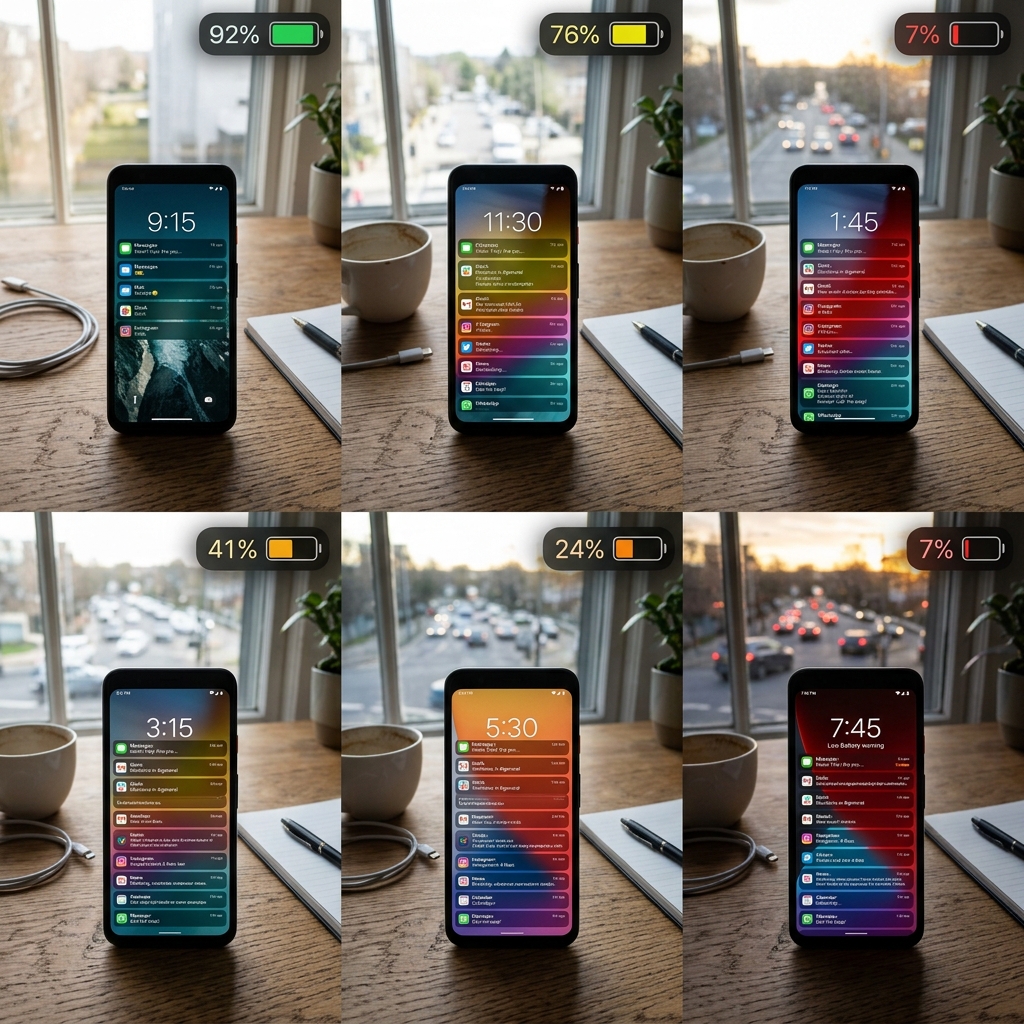
But think about how many notifications your phone receives in a day.
Breaking news.
Flash sales.
Weather alerts.
Calendar reminders.
Social media likes.
Group chats.
Package deliveries.
Every notification wakes part of your phone.
The app checks for new information.
The internet connection becomes active.
The screen may light up.
Sometimes vibrations or sounds are triggered too.
Individually, each action uses very little power.
Collectively, they happen hundreds of times throughout the day.
It’s a bit like turning the lights on and off every few minutes.
Each switch doesn’t cost much, but over time, the electricity adds up.
Bright Screens Need More Power Than You Think
Here’s a simple experiment.
Take your phone outside on a sunny afternoon.
Notice how the screen automatically becomes brighter.
That’s because your phone is trying to stay visible under strong sunlight.
The brighter your display becomes, the more energy it needs.
It’s one of the biggest reasons batteries seem to disappear faster when you’re outdoors.
Many people blame the apps they’re using.
In reality, the screen itself is often doing much of the heavy lifting.
In fact, for many people, the display is one of the single biggest consumers of battery life.
Sometimes It’s Not the App—It’s How We Use It
Imagine driving a car.
Two people own the same model.
One drives calmly through the city.
The other accelerates hard at every traffic light, keeps the air conditioning running constantly, and never switches off unnecessary features.
Even though they’re driving the same car, one will use much more fuel.
Phones work similarly.
Leaving dozens of apps open.
Keeping Bluetooth, GPS, and mobile hotspot running all day.
Streaming videos at maximum brightness.
Using animated wallpapers.
All of these habits increase battery usage.
Sometimes the app gets blamed for something that’s really a combination of settings and usage.
Developers Think About Battery Too
Here’s something many people don’t realize.
Software developers spend a surprising amount of time trying to reduce battery consumption.
They optimize code.
Reduce unnecessary background activity.
Improve how apps communicate with servers.
Delay certain tasks until your phone is charging or connected to Wi-Fi.
Battery efficiency has become an important part of app design.
Because no matter how useful an app is, people won’t enjoy using it if it leaves their phone dead before lunchtime.

Final Thoughts: Your Battery Is Telling a Bigger Story
The next time your phone’s battery drops faster than expected, don’t assume one app is simply “bad.”
Behind every percentage point is a series of decisions.
Some apps are updating information.
Some are finding your location.
Others are streaming videos, syncing files, or checking for new messages.
Your battery isn’t just powering the screen in your hand.
It’s powering an entire ecosystem of invisible activity working together to make your digital life feel seamless.
Understanding that doesn’t just satisfy your curiosity.
It helps you make smarter choices about which apps really need access to your location, which notifications matter, and which settings can quietly save hours of battery life.
Because sometimes the biggest drain on your battery isn’t what you’re doing with your phone.
It’s everything your phone is doing for you when you think it’s doing nothing at all.

